
FEATURES
Everything you need to stay organised
Invoicing, AI document scanning, credit notes and bank transactions in one app.
INVOICING Free
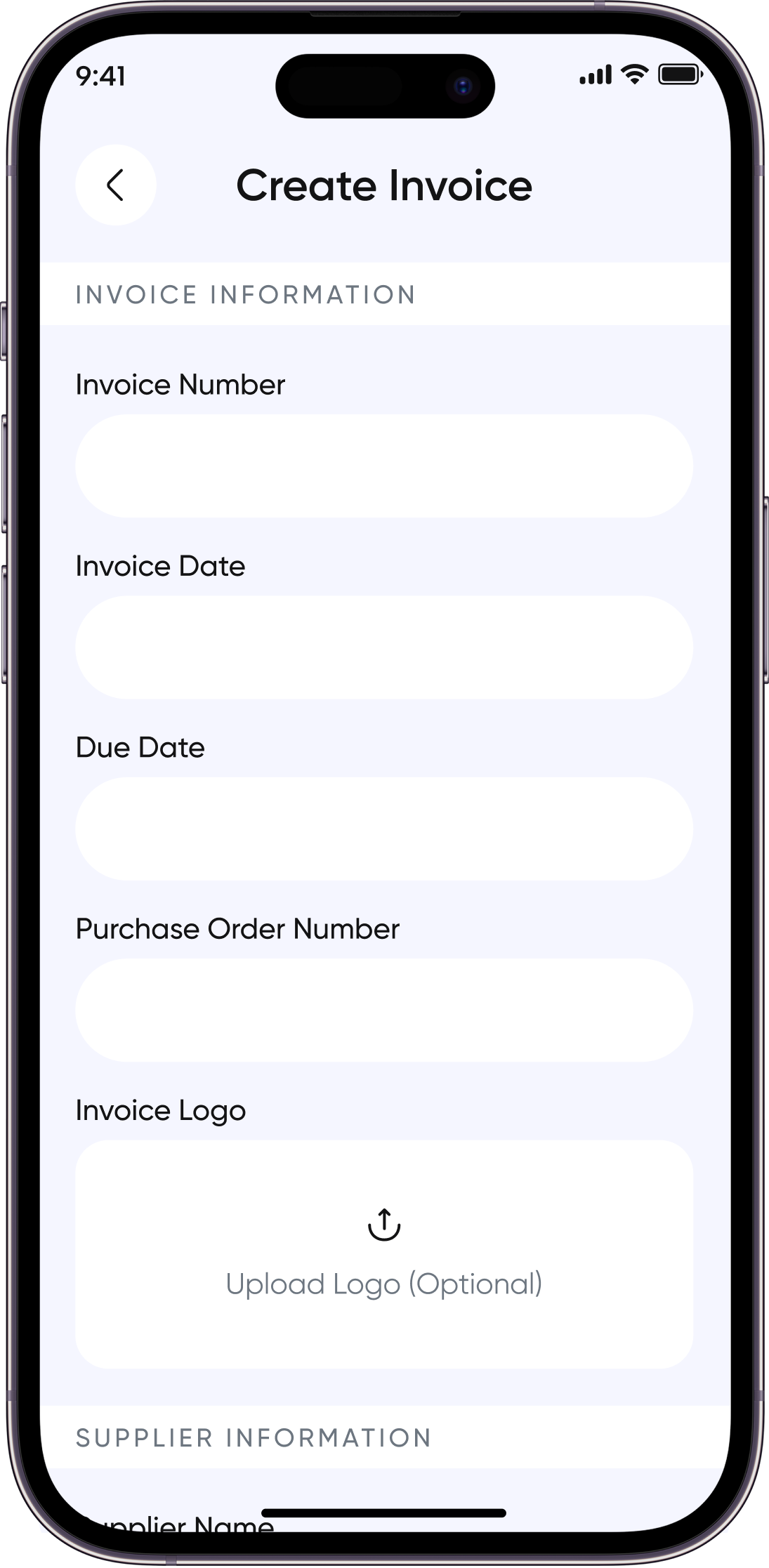
Create and manage professional invoices
Create, edit, delete and view invoices. Save a draft, then publish when ready.
- Add line items, discounts, taxes and payment terms
- Save as a draft, then publish when ready
- Record payment dates, methods and amounts
- Create purchase orders alongside invoices
Who it helps
Sole traders · Small companies
Benefit
Keep invoices in draft until they are ready, then record payments as they arrive.
AI DOCUMENT SCANNING
Turn documents into organised data
Upload a photo or PDF and Invoz AI reads the details for you.
- Scan invoice details, including suppliers, customers, line items, taxes and totals
- Scan bank statements and passbooks into structured transactions
- Read multi-page PDFs page by page and merge line items
- Unclear or unreadable values are not guessed
Who it helps
Business owners · Small companies
Benefit
Check what the AI extracted and fix anything it left unclear before saving.
CREDIT NOTES AND EXPORTS
Credit notes and clean exports
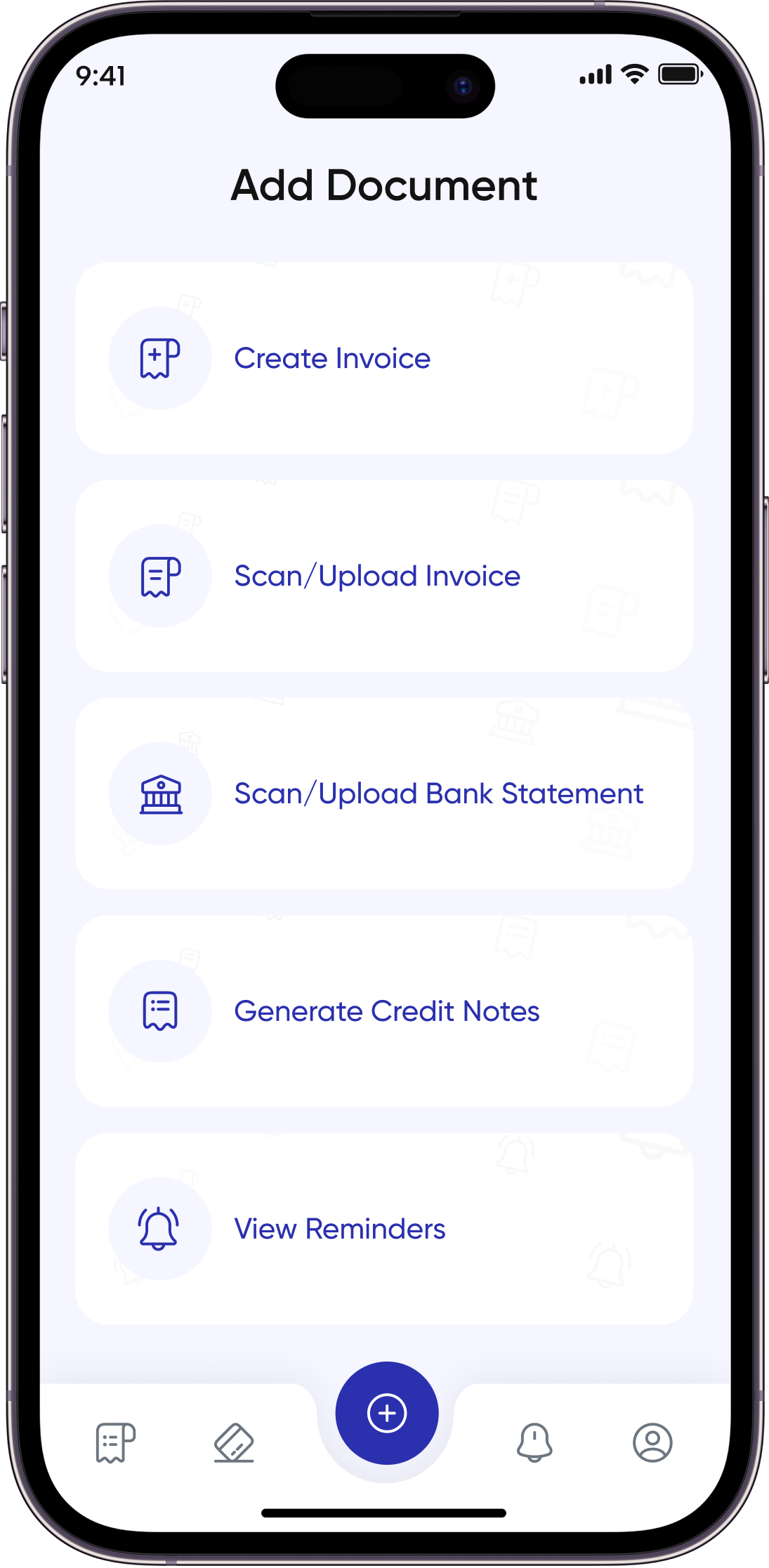
Create credit notes and share polished documents.
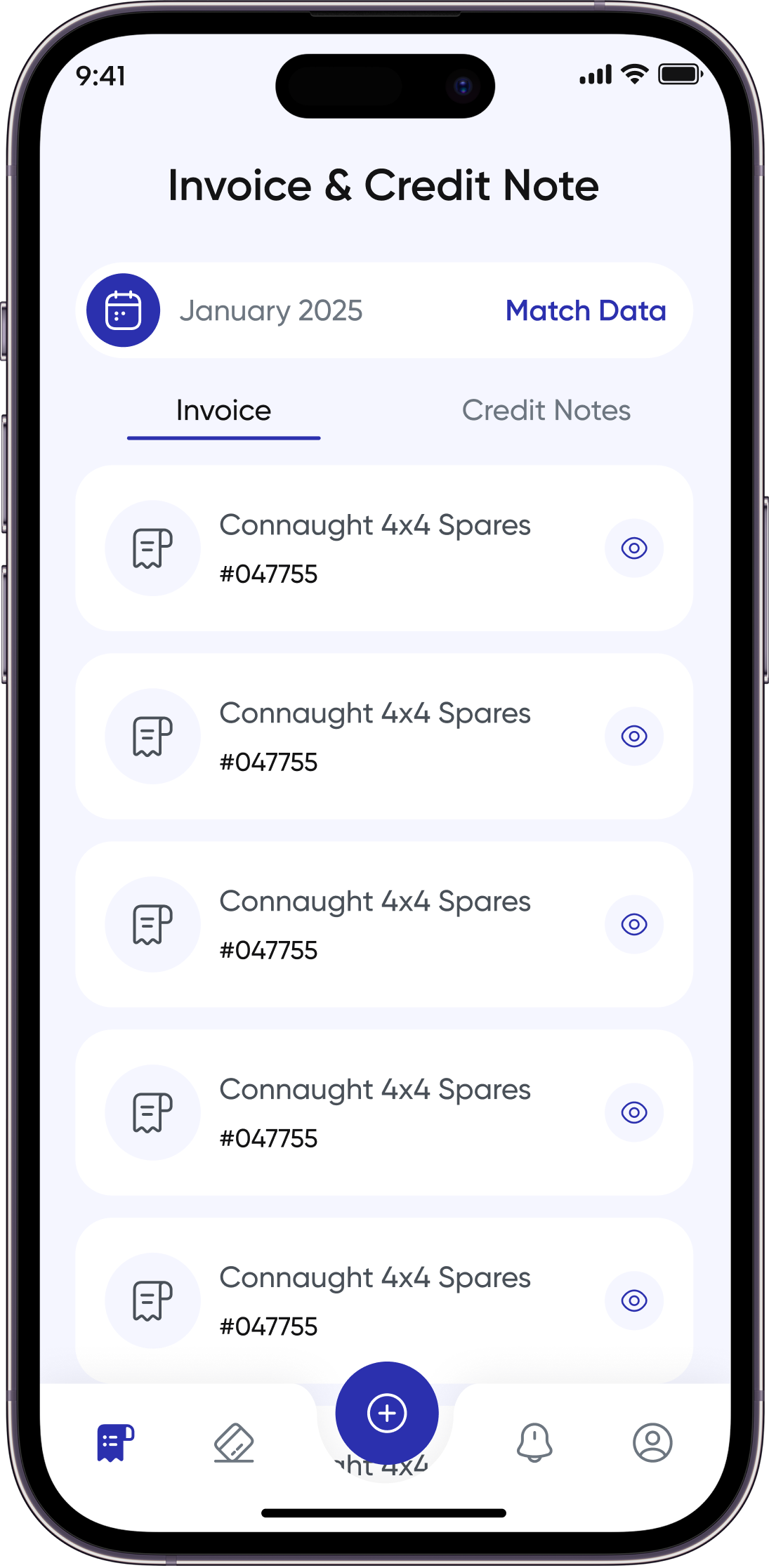
- Create, edit, delete and view credit notes; save drafts and publish
- Export invoices as branded PDFs
- Export invoices to Excel for your records
- Export credit notes as PDFs
Who it helps
Sole traders · Business owners
Benefit
Share branded PDFs, or export to Excel for your own records.
BANK TRANSACTIONS
Keep payments and records in step
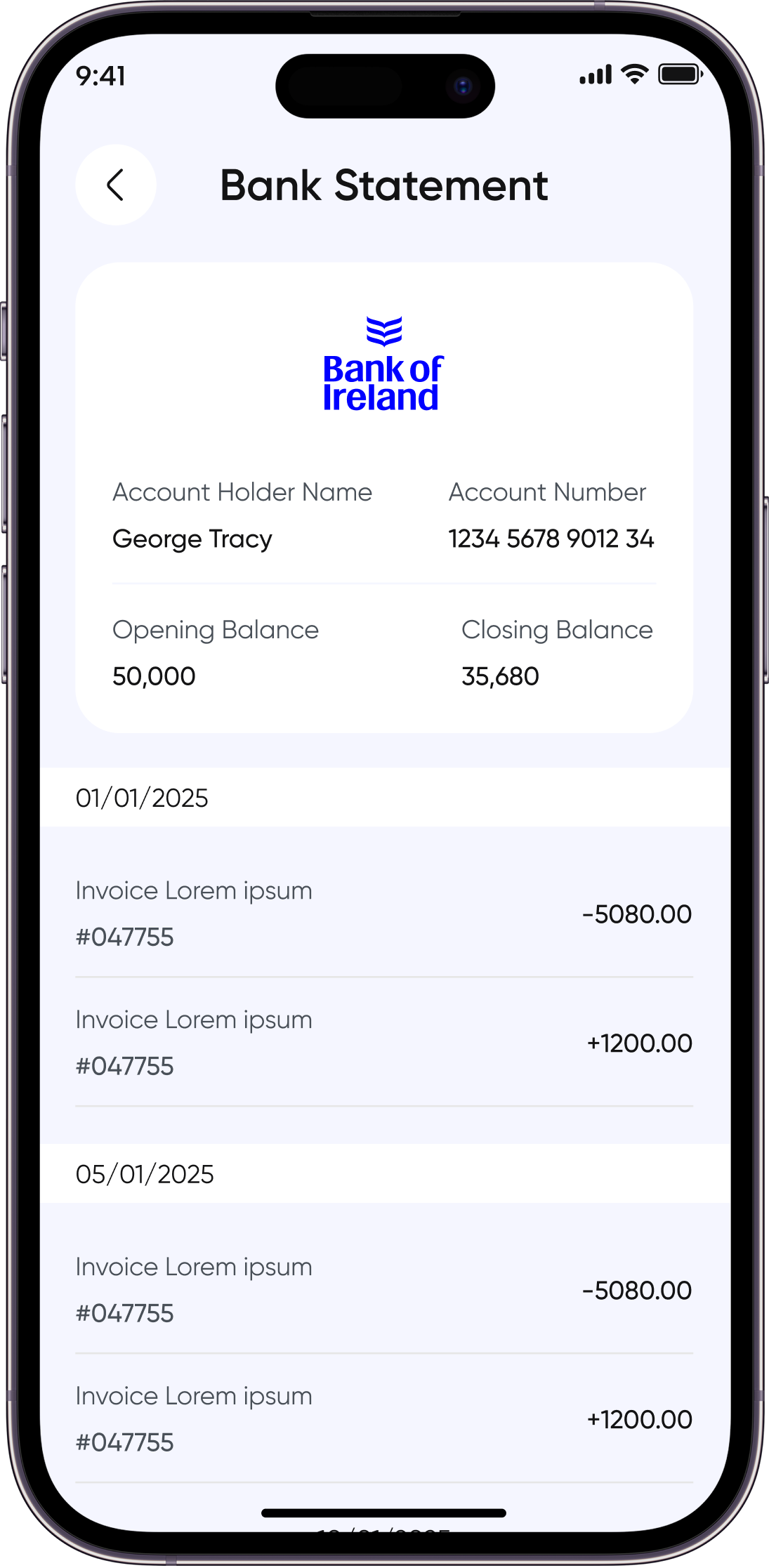
Bring in bank activity and match it to your invoices.
- Import transactions by scanning bank statements
- View and manage your transactions
- Sync to keep records up to date
- Link transactions to invoices to reconcile payments
Who it helps
Business owners · Small companies
Benefit
See which payments match which invoices without retyping anything.
BULK IMPORT
Add many invoices at once
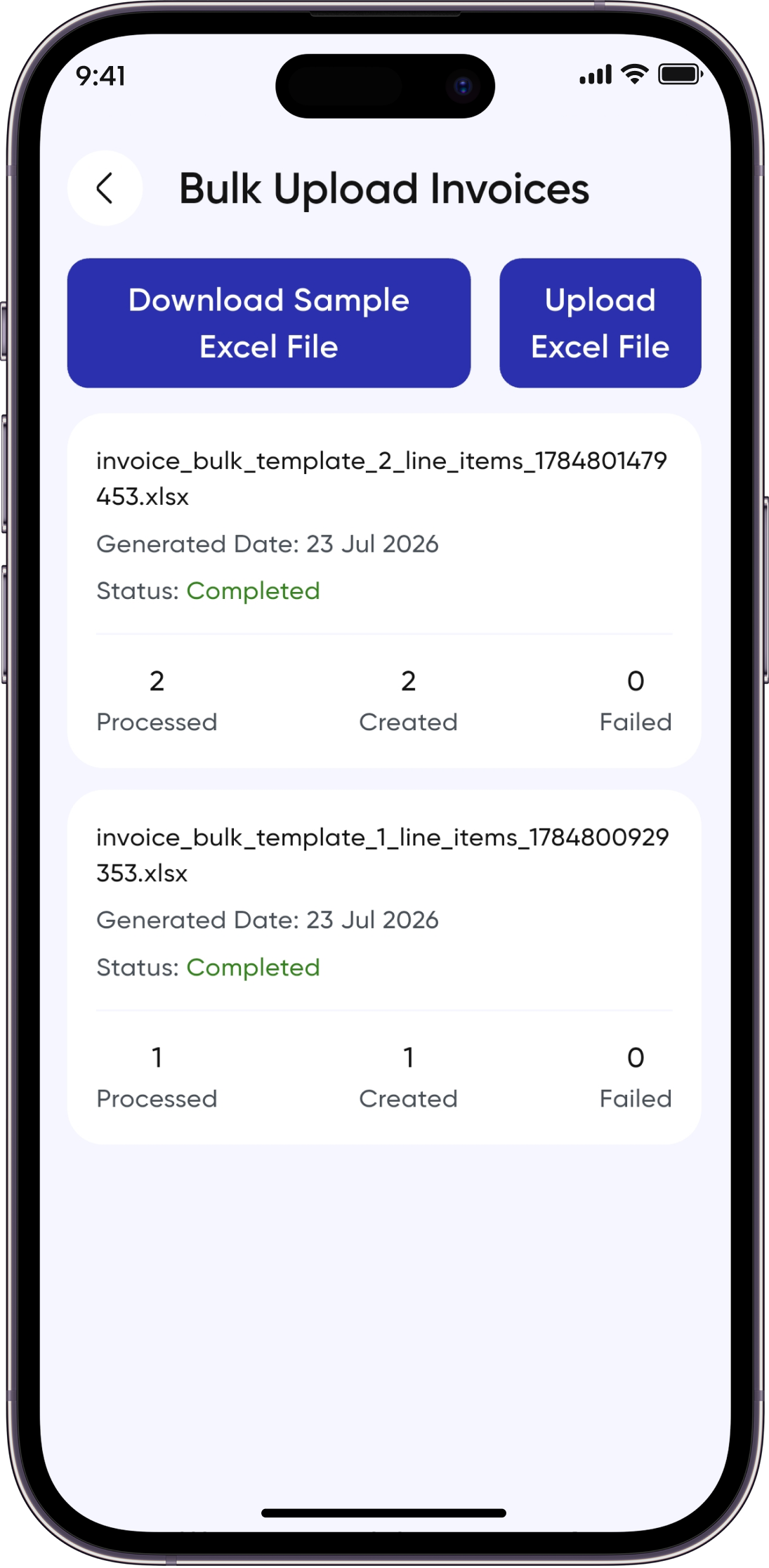
Prepare invoices in a spreadsheet and upload them in one go.
- Download the Excel template
- Upload your filled spreadsheet to create invoices in bulk
- Large uploads are processed in the background
- Track the progress of each upload
Who it helps
Business owners · Small companies
Benefit
Add a whole batch of invoices from one spreadsheet and watch the progress.
REMINDERS AND NOTIFICATIONS
Manage reminders and notifications
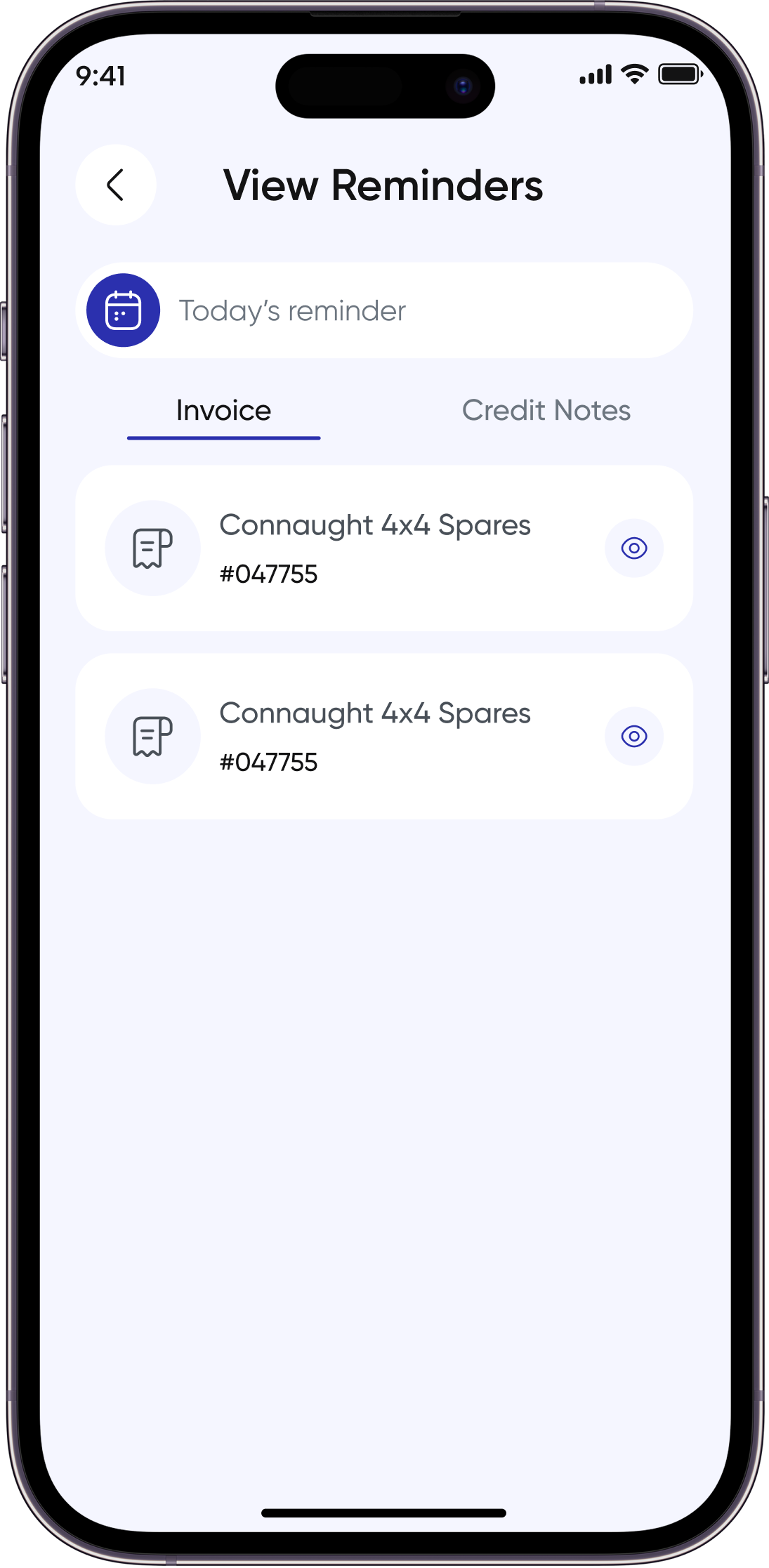
Set follow-ups and receive notifications for payments and account activity.
- Set reminders for invoices, payments and follow-ups
- Due reminders are sent automatically
- Receive push notifications; read and delete in-app notifications
- Email notifications for account activity
Who it helps
Sole traders · Business owners
Benefit
Get a nudge about due payments and follow-ups without chasing them yourself.
BUSINESS ESSENTIALS
Business and account tools
SIMPLE AND TRANSPARENT
Start free. Add more when you need it.
Invoicing is free, with no monthly fee and no card required.
QUESTIONS
Quick answers
Is invoicing free?
Yes. Invoicing in Invoz AI is free, with no monthly fee.
Is a card required?
No. You don't need to enter card details to start invoicing.
What platforms are supported?
Invoz AI is available on iPhone and Android.
Is document scanning paid?
Purchase and bank statement scanning are included in paid plans. Plan prices are shown + VAT. See the Pricing page for details.
How do I get help?
Email support@invozai.com or visit our Contact page.
READY TO GET STARTED?
Download Invoz AI today
Create invoices, track receipts and manage your business, all in one app.